
Live chat for small businesses that need to reply fast
Small teams cannot always sit at a desk waiting for the next inquiry. WebTalky helps you capture a visitor’s question and respond from the web or your phone when it matters.
Start free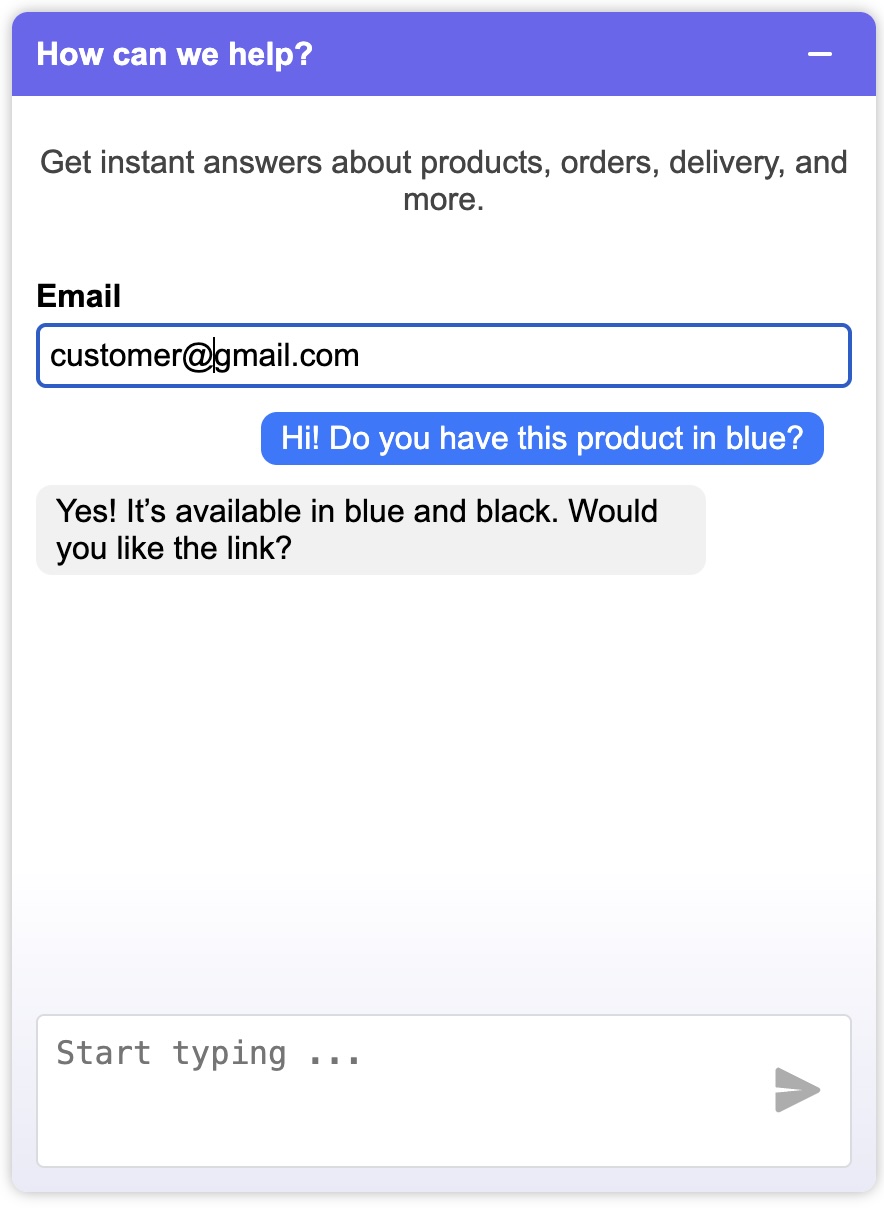
Do not let website inquiries disappear
A visitor may have a simple question about price, availability or next steps. If there is no clear way to ask it, they may leave and never return.
WebTalky adds a direct conversation option to your website and keeps new messages visible to your team.
Made for small teams
Set up the widget in minutes, choose a plan that matches your message volume, and let multiple team members answer from a shared inbox.
- Free Starter plan to test the setup
- Shared access for your team
- iOS and Android apps for replies away from your desk
- AI assistance when you need a faster response
Use live chat without creating another full-time job
The most effective small-business setup is usually simple. Choose one person or a small rota to monitor new conversations, agree on what a timely reply means for your business, and use mobile notifications when the team is away from the desk.
If no one is available at a certain time, set clear expectations in your greeting or site content. A useful conversation does not always require an instant answer, but it does need a reliable next step.
Prepare answers that move a lead forward
Keep a short list of answers to the questions that delay a buying decision. This could include service areas, turnaround time, what happens after a quote request, plan differences, or the documents a customer needs to provide.
When an inquiry needs more detail, ask one focused qualifying question instead of sending a long generic answer. For example, ask which service the visitor needs, where they are located, or when they want to start. This gives the team enough context for a useful follow-up.
A practical first-month checklist
Install chat on your main contact or service page, test it on a phone, and make sure notifications reach the right people. Review every conversation weekly. Tag or note the questions that led to a quote, booking, or sale, then improve your greeting and web copy based on what you learn.
Small teams should favour consistency over complexity. A clear greeting, a known owner for new messages, and a reliable response process will usually deliver more value than a large set of automated rules added on day one.
Start with one high-value page
Add the widget first to the page where visitors ask for quotes, compare options or contact you. Measure the conversations it creates, then expand it to the rest of your website.
Get live chat running for a small business
You do not need a separate support department to begin. Start with your most important page, nominate the person who owns new messages, and test the experience before promoting it more widely.
- Create a WebTalky account and add your business website.
- Install the one-line tag on the page where customers most often contact you.
- Set up mobile access for the people who answer inquiries.
- Send a test message and agree on the next action for a real lead.
<script src="https://webtalky.com/latest.js?id=YOUR_WEBSITE_ID"></script>Live chat for small business FAQ
Is live chat useful for a small business?
It can be useful when visitors commonly ask questions before requesting a quote, booking a service, or choosing a product.
Can I reply when I am away from the office?
WebTalky includes iOS and Android mobile apps so the team can manage conversations away from a desktop.
How many people can use WebTalky?
The available number of users depends on the plan. The pricing section lists the user allowance for each plan.
Where should I add chat first?
Begin with a service, pricing, product, or contact page where visitors show a clear reason to ask a question.
Set up WebTalky and start a conversation with your next website visitor.
Start free