
Website chat widget that turns visits into conversations
WebTalky gives your visitors an easy way to ask a question at the moment they are deciding whether to buy. Your team can reply from the web or mobile app, while AI helps them respond faster.
Start free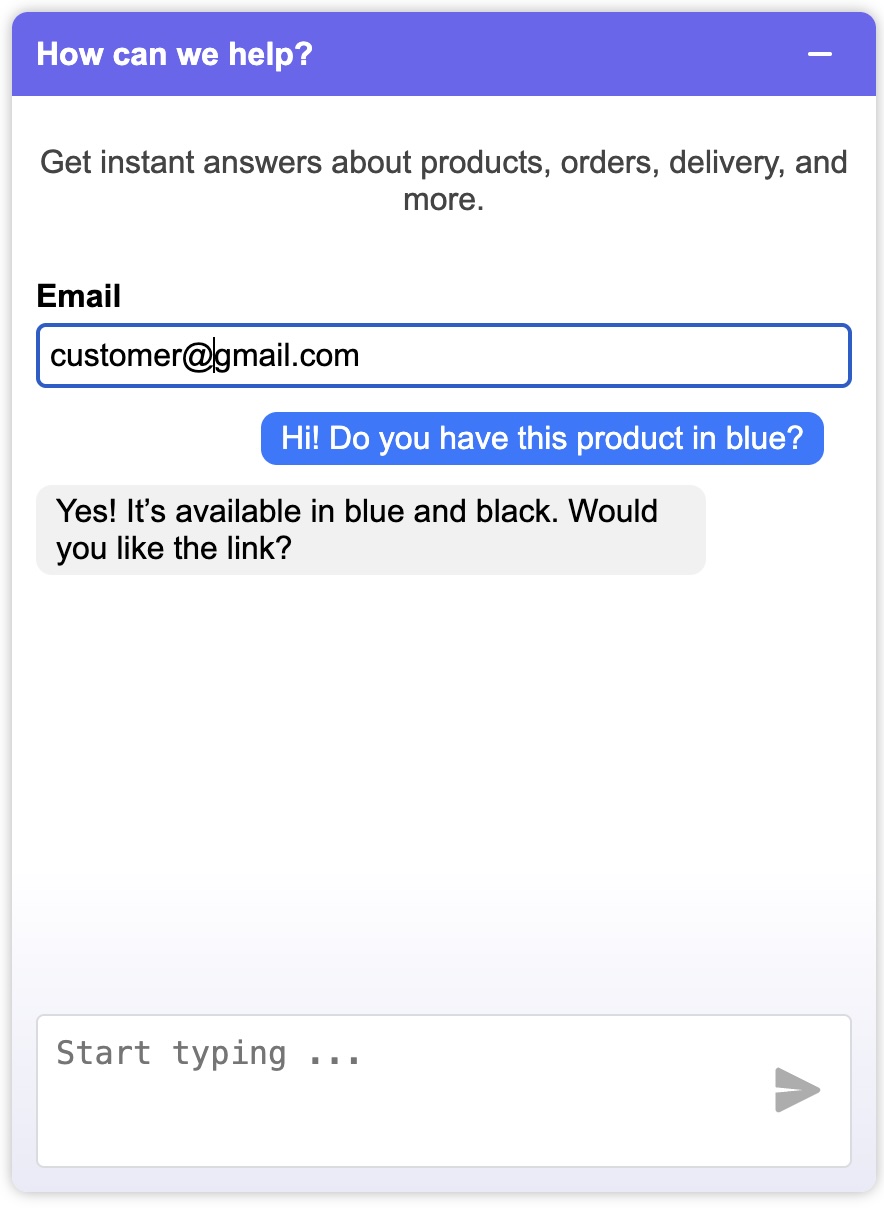
Give interested visitors a clear next step
A contact form asks visitors to wait. A chat widget lets them start a conversation while their question is still relevant.
Use WebTalky to invite a visitor to chat at the right moment and turn anonymous traffic into a qualified conversation.
Built for a fast sales response
Your team receives real-time notifications and can continue conversations from iOS or Android. AI-suggested replies help them write a useful first response without starting from a blank screen.
- Add the widget with one line of code
- Answer from desktop, iOS or Android
- Use automated messages to welcome visitors
- Keep conversations in one shared place
Choose the pages where chat can help most
Start with pages where a visitor is likely to have a question: a pricing page, product or service page, quote request page, or checkout help page. The goal is not to interrupt every visitor. It is to make help available when it removes uncertainty.
Use a short, specific greeting. For example, a visitor on a service page might be asked whether they need help choosing a package. A generic greeting is acceptable, but a message connected to the page is easier to answer.
Create a reliable first-response workflow
Decide who answers new chats, which hours the team monitors them, and how a conversation moves from a question to the next action. For a sales team, that action might be a quote, a callback, or a booking. For support, it may be an answer followed by a link to the right resource.
AI suggestions are most useful when the team has clear, approved information to work from. Add the most common answers to your WebTalky knowledge content, review suggested replies before sending, and update that information when policies or pricing change.
What to measure after installation
Do not judge a chat widget only by the number of messages. Track how many conversations create a useful next step: a qualified lead, a quote request, an appointment, or a resolved pre-sales question. Also review first-response time and the pages that start the most valuable conversations.
After a few weeks, compare the questions you receive with the information on those pages. Repeated questions can reveal missing details in your copy, while high-intent chats show where your team should be available.
A simple way to get started
Create your account, add your website and paste the installation code. Begin with one or two important pages, test the visitor experience on desktop and mobile, and then expand the widget once the team has a response process.
How to add the WebTalky chat widget to a website
After creating a WebTalky account, the dashboard provides a unique website identifier. Copy the generated tag and place it before the closing body tag of the website where you want the widget to load.
- Create an account and add the website you want to use.
- Copy the unique install tag shown in WebTalky.
- Paste it before the closing </body> tag and publish your site.
- Open the live page in a private browser window and send a test message.
<script src="https://webtalky.com/latest.js?id=YOUR_WEBSITE_ID"></script>Website chat widget FAQ
What is a website chat widget?
It is a small chat interface added to a website so visitors can ask a question without leaving the page or waiting for an email reply.
Can I add WebTalky to an existing website?
Yes. WebTalky provides an install tag that you add to the pages where the chat widget should appear.
Who can answer incoming chats?
Your team can manage conversations in WebTalky and reply from the web dashboard or the mobile apps included with the service.
Should a chat widget appear on every page?
Start with pages that have clear commercial or support intent. Expand after you know where the widget produces useful conversations.
Create a WebTalky account and add live chat to your website in minutes.
Start free